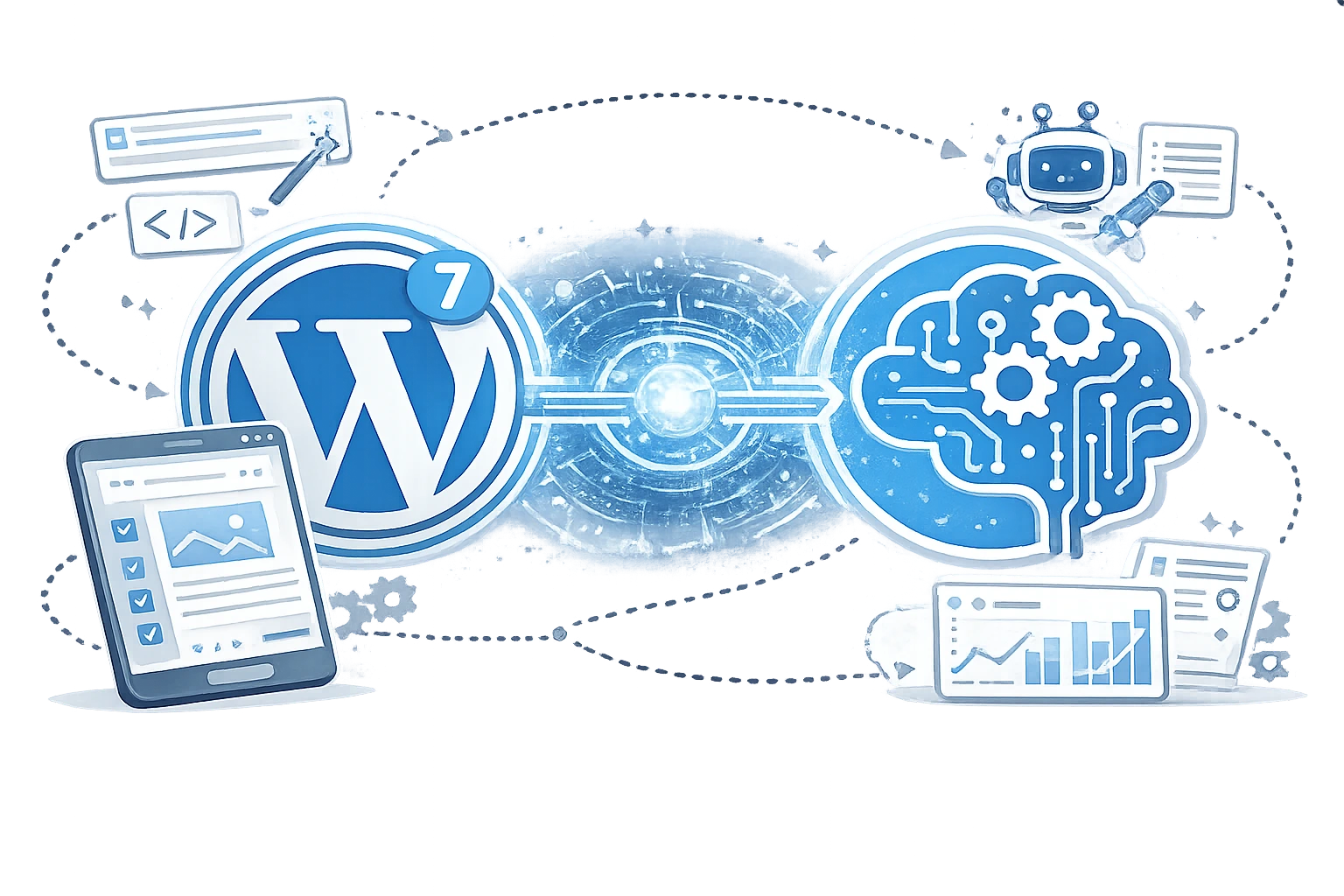
WordPress 7, released on May 20, 2026, marks a pivotal evolution for the world's most popular CMS. It shifts from a content management system to an AI-ready platform with native infrastructure that standardises connections to leading AI providers.
Instead of fragmented plugins, WordPress 7 introduces the WP AI Client, Connectors API, and Abilities API. These tools let you connect providers like OpenAI, Anthropic (Claude), and Google Gemini centrally. The result? Smarter content creation, automation, and agentic capabilities all without heavy third-party dependencies.
Whether you're a blogger seeking faster drafting or a developer building AI-powered workflows, WordPress 7 & AI integration deliver efficiency, consistency, and future-proofing. This guide covers everything from setup to advanced use cases.
What Is New in WordPress 7, and Why Is AI Integrated?
WordPress 7.0 ("Armstrong") brings several enhancements, but the standout is its provider-agnostic AI foundation. Key changes include:
- Modernised admin interface with a global command palette.
- Real-time collaboration improvements (Google Docs-style editing).
- New blocks and design tools (e.g., Icons block, enhanced patterns).
- Native AI infrastructure via the WP AI Client and Connectors.
Read more about what's new in WordPress 7 in release notes.
Why integrate AI natively?
Prior versions relied on scattered plugins, each managing its own keys and logic. This caused bloat, security risks, and inconsistency. WordPress 7 centralises management under Settings > Connectors, reducing fragmentation and enabling plugins/themes to use a single, consistent interface.
The integration paves the way for "agentic WordPress," where AI agents can understand a site's capabilities and perform tasks such as content publishing and optimisation.
How Does AI Integration Work in WordPress 7?
The architecture is elegant and modular:
- Connectors Screen (Settings > Connectors): Manage API keys for OpenAI, Anthropic, Google, or custom providers in one place.
- WP AI Client: A core PHP SDK (and JS counterpart) that handles requests, routing, and normalisation. Plugins describe needs (e.g., "generate_text"), and WordPress routes to the configured model.
- Abilities API: Registers site capabilities (e.g., content generation, image creation) in a machine-readable way. AI models can discover and use them securely.
User-facing features (powered by the official AI Experiments plugin or core):
- AI-generated titles, excerpts, and summaries.
- Auto alt text for images.
- Image generation (including featured images).
- Content suggestions, review notes, and refinements.
Step-by-Step: Setting Up AI in WordPress 7
- Update to WordPress 7.0+.
- Go to Settings > Connectors.
- Add API keys for your preferred providers (e.g., OpenAI).
- Install/activate the AI Experiments plugin for UI features if needed.
- In the Block Editor, use AI tools (magic wand icons and sidebar suggestions) for titles, images, and more.
- Test with a new post to generate a title, excerpt, or alt text with one click.
Start with one provider to avoid costs. Monitor usage in your AI dashboard.
What If You Want to Disable the AI?
Not everyone wants AI. WordPress 7 makes it easy to opt out:
- Use the constant define('WP_AI_SUPPORT', false); in wp-config.php.
- Install a plugin like "Disable AI" or "Turn Off AI Features."
- Remove API keys from Connectors or disable the AI Experiments plugin.
- For fine control, unregister specific abilities via code.
This keeps the core lightweight while preserving other new features.
Common Myths and Misconceptions About WordPress 7 AI
- Myth: It's a full Copilot like GitHub.
It's foundational infrastructure. User-friendly tools come via plugins; core focuses on standardisation. - Myth: AI will replace writers.
It's assistive, great for drafts, summaries, and SEO, but human oversight ensures quality and voice. - Myth: It bloats the site.
Centralised and optional; reduces reliance on multiple plugins. - Myth: Privacy risks.
Keys are managed securely; you control which providers you use and can self-host models.
Benefits and Practical Use Cases
Benefits:
- Innovation: Enables advanced automations and agents.
- Time savings: Generate titles/excerpts/alt text instantly.
- Accessibility: Better alt text and summaries.
- Consistency: Standardised across plugins.
- Scalability: Ideal for agencies managing many sites.
Use Cases:
- Bloggers: Quick post outlines and SEO-optimized metadata.
- E-commerce: Product descriptions and image variants.
- Agencies: Content scaling with brand voice prompts.
- Developers: Build custom abilities for workflows (e.g., auto-translate + publish).
Challenges and Mistakes to Avoid
- Costs: AI API usage adds up to monitor credits.
- Quality control: Always review AI output for accuracy and tone.
- Over-reliance: Don't skip human editing for important content.
- Performance: Test on staging; heavy image generation can slow things.
- Compatibility: Update themes/plugins; test real-time collab features.
Avoid enabling AI site-wide without team training.
Frequently Asked Questions (FAQs)
- Is AI free in WordPress 7?
No. Core is free, but you pay for provider API usage (e.g., OpenAI credits). - Does it work with my existing plugins?
Many will adapt; the standardised API makes integration easier. Test thoroughly. - Can I use local/self-hosted AI models?
Yes, via custom connectors. - How secure is the AI integration?
Keys are stored securely; permissions are granular via the Abilities API. - Will WordPress 7 require more server resources?
Slightly for AI calls, but optimisations are included. Use a good host.
WordPress 7 & AI represents a mature, thoughtful step into the future. By building a flexible, open foundation rather than a rigid assistant, WordPress empowers users and developers alike. Update thoughtfully, experiment on a staging site, and leverage AI as a powerful co-pilot rather than a replacement for your creativity.
Start exploring today: Update your site, connect an AI provider, and watch your workflow transform. The era of intelligent WordPress is here.