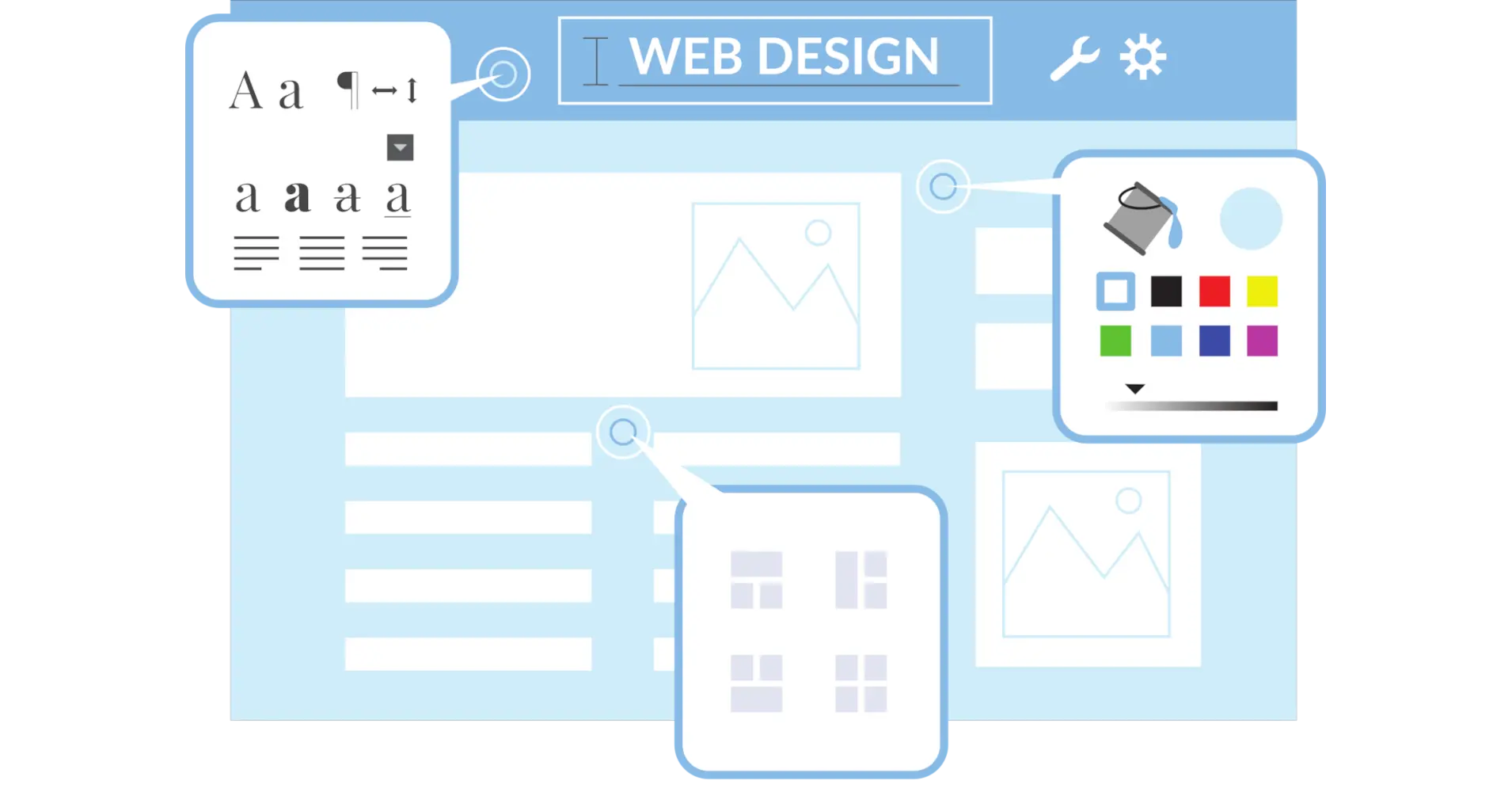
Your website is the first impression of your business for prospective customers. If it’s outdated, slow, or tricky to use, you might be losing visitors—and potential customers—without even realizing it. A website revamp can breathe new life into your online presence, making it more engaging, user-friendly, and optimized for today’s digital world. Whether you’re aiming to boost traffic, improve conversions, or just give your site a modern makeover, this checklist has you covered.
In this article, I’ll guide you through every step of revamping your website, answering the questions you’re probably asking, like, “Does my site even need a revamp?” or “How do I make it mobile-friendly?” We’ll cover assessing your current site, planning the overhaul, designing for users, speeding things up, and more. I’ll keep it conversational and packed with practical tips so you can follow along easily. Let’s get your website in top shape—ready to dive in?
Does Your Website Need a Revamp?
Before you start tearing things apart, let’s figure out if your site actually needs a refresh. A few clear signs can tell you it’s time to act. Is your design stuck in the past with clunky fonts or old-school graphics? Are people leaving your site as soon as they arrive (think high bounce rates)? Does it take forever to load—more than 3 seconds, and 40% of users are out the door? What about mobile—does it look awful on your phone? And if Google’s not showing you love with good rankings, that’s another red flag.
Start by taking a hard look at what’s happening now. Grab tools like Google Analytics to check your traffic, see how long people stick around, and spot where they’re dropping off. Then, run a quick test with Google PageSpeed Insights—it’ll tell you how your site performs on desktop and mobile. If the numbers aren’t pretty, don’t worry—we’ll fix that as we go.
How Should You Plan Your Website Revamp?
Redesigning without a strategy is like constructing a house without a blueprint—it’s likely to collapse quickly. First, decide on what you want to achieve. Are you after more sales, better engagement, or higher search rankings? Clear goals keep you on track. Next, think about who’s visiting your site. What do they need? What frustrates them? Knowing your audience helps you shape a site they’ll love.
Then, map it out. Make a sitemap to organize pages—it is your site’s table of contents. Pair that with wireframes, which are like rough drafts showing where your logo, menus, and buttons will live. These steps let you see the big picture before you start tinkering. Believe me, taking time to plan now can prevent major problems down the road.
How Can You Improve User Experience in a Revamp?
User experience (UX) is all about making your site a joy to use—because if it’s not, people won’t stick around. Begin with navigation: keep it simple and silly. A menu with too many options feels like a maze, so stick to clear labels like “Home” or “Shop.” Accessibility matters too—add alt text to images, check color contrast, and make sure visitors can tab through with a keyboard.
Want to spice things up? Toss in some interactive bits like a chatbot or a “click to call” button, but don’t overdo it—too much flash can annoy people. The goal is a smooth ride from landing page to checkout (or whatever your endgame is). A happy user is a returning user.
Why Is Mobile Responsiveness Key, and How Do You Nail It?
Picture this: over half your visitors are on their phones. If your site looks wonky or forces them to pinch and zoom, they’re gone. Mobile responsiveness isn’t optional anymore—Google even ranks mobile-friendly sites higher. So, it’s a win for users and search engines.
To get it right, use a responsive design that adapts to any screen size. Keep layouts clean—big buttons, readable text, no tiny links that are impossible to tap. Test it with Google’s Mobile-Friendly Test tool. If it flags issues, tweak until it’s smooth as butter on every device.
How Does Speed Affect Your Site, and How Do You Boost It?
Speed isn’t just nice to have—it’s a dealbreaker. A site that drags frustrates users (hello, higher bounce rates) and gets a thumbs-down from Google’s ranking algorithm. Every second counts. To speed things up, start with images: compress them into formats like JPEG or WebP so they load fast without losing quality. Cut back on bulky scripts or plugins that bog things down.
A content delivery network (CDN) can also help by serving your site from servers closer to your users. Check your progress with tools like GTmetrix or Pingdom—they’ll pinpoint what’s slow and how to fix it. Faster site, happier visitors.
How Can You Refresh Content and Boost SEO?
Content is your site’s heartbeat—it keeps people interested and tells search engines you’re relevant. During your revamp, ditch anything outdated or off-topic. Add fresh, useful stuff your audience cares about, broken up with headings, bullets, and images for easy reading. Engagement starts here.
For SEO, weave in keywords naturally—think phrases people might search, not just random buzzwords. Update meta descriptions, tag your images with alt text, and use proper headings (H1 for titles, H2 for sections). Clean URLs help too (like “yoursite.com/services” instead of “yoursite.com/page123”). Focus on value first, and SEO will follow.
What Should You Do Before Launching Your Revamped Site?
You’re almost there—but don’t launch without a final check. Test everything: click every link, submit every form, and scan for missing images. Open it on different browsers and devices—Chrome, Safari, phone, tablet—to catch any glitches. Nothing’s worse than a broken “Contact Us” button on launch day.
Get some fresh eyes on it too. Share it with friends or colleagues and ask what trips them up. Tweak based on their feedback, then hit go. After launch, keep an eye on performance—your site’s a living thing that’ll need updates as you grow.
Revamping your website might feel overwhelming, but break it down with this checklist, and it’s totally doable. Assess what’s broken, plan with purpose, design for your users, make it mobile-ready, speed it up, refresh your content, and test like crazy before launch. You’ll end up with a site that looks sharp, works flawlessly, and pulls in the right crowd.
Your website’s a key piece of your business puzzle—keep it fresh, keep it fast, and watch it shine. Ready to start? Grab this checklist, and let’s make your site the best it’s ever been!