What Does Website Maintenance Include? Your Ultimate Guide to Keeping Your Site in Top Shape

Have you ever wondered what it takes to keep a website running smoothly? Website maintenance is the ongoing process of ensuring that your site is secure, up to date, and user-friendly. It's not just about fixing problems when they pop up - it's about proactively managing your website to prevent issues, optimise performance, and keep visitors coming back. Whether you run a blog, an e-commerce store, or a corporate site, regular maintenance is the key to keeping it in top shape.
In this ultimate guide, we'll explore what website maintenance entails, break down the essential tasks involved, and answer common questions such as how often you should maintain your website, who should handle it, and what it might cost. By the end, you'll have a roadmap to maintain your website effectively, plus a few expert tips to avoid common pitfalls. Let's dive in!
What Does Website Maintenance Include?
Website maintenance is a broad term that covers a variety of tasks aimed at keeping your site functional, secure, and relevant. Here's a detailed breakdown of what it typically includes:
1. Content Updates
Keeping your website fresh and engaging is a top priority. This means adding new blog posts, updating product listings, refreshing images or videos, and removing outdated information. For example, if you run an online store, updating seasonal promotions or adding customer reviews can boost sales and keep visitors interested.
Tip: Schedule content updates weekly or monthly to maintain consistency.
2. Security Checks
Protecting your site from cyber threats is a critical task. This involves updating security software, installing SSL certificates (which encrypt data like login details), and monitoring for vulnerabilities. Fun fact: Wordfence reports over 90,000 attacks per minute on WordPress sites alone - security isn't something to skip!
3. Performance Optimisation
A slow website drives visitors away - Google says 53% of mobile users abandon sites that take over 3 seconds to load. Maintenance tasks here include optimising images, minifying code (making it leaner), and using caching (storing files for faster access). The goal? A lightning-fast user experience.
4. Backup and Recovery
Imagine losing your entire website to a crash or hack. Regular backups, weekly or after big updates, ensure you can restore your site quickly. Cloud-based backup solutions or plugins like UpdraftPlus make this easy and reliable.
5. Software and Plugin Updates
Outdated software or plugins can break your site or leave it open to attacks. Regularly updating your content management system (CMS), themes, and plugins keeps everything compatible and secure. For instance, a WordPress site might need plugin updates monthly to stay in top shape.
6. Broken Link Checks
Broken links disappoint users and hurt your site's SEO ranking. Maintenance includes scanning your site (with tools like Ahrefs or Google Search Console) to find and fix them. It's a small activity with an immense impact on the user experience.
7. User Experience Enhancements
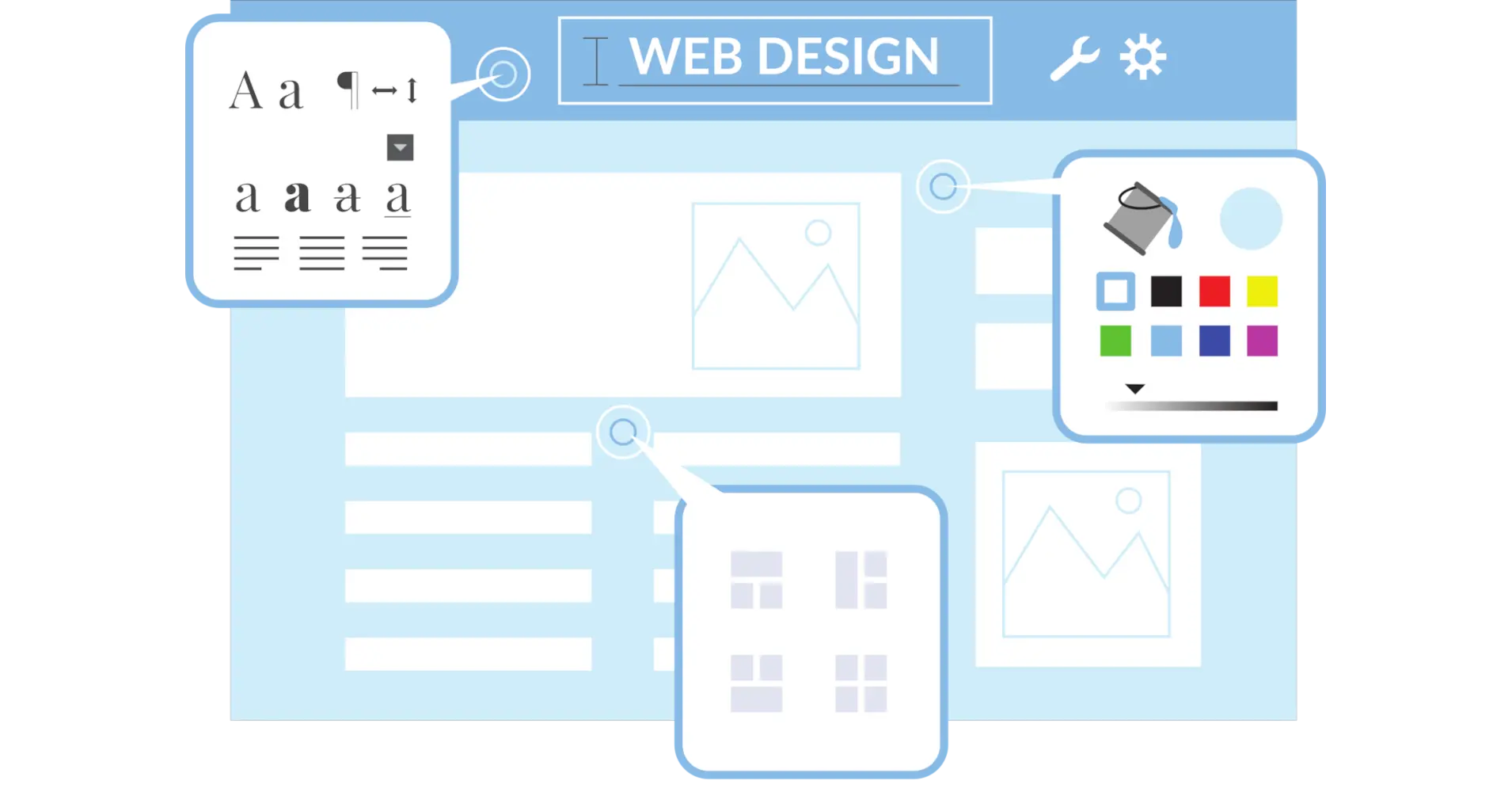
Maintenance isn't just technical; it's about improving how visitors interact with your site. Analyse user feedback or traffic data (via Google Analytics) to tweak navigation, update design, or fix pain points. A mobile-responsive site is a must, too - more on that later.
Why Is Website Maintenance Important?
Think of your website like a car; it requires regular maintenance to keep it running efficiently and performing at its best. Maintenance keeps it secure from hackers, fast for impatient visitors, and relevant for search engines like Google. Skip it, and you risk downtime, lost sales, or a damaged reputation. Plus, a well-maintained site builds trust - users notice when things work seamlessly.
How Often Should You Perform Website Maintenance?
How often depends on your site's size, traffic, and complexity, but here's a general guide:
- Weekly: Backups, quick security scans, and small content updates.
- Monthly: Broken link checks, plugin updates, and performance tweaks.
- Quarterly: Deeper performance optimisation and user experience reviews.
- As Needed: immediate security patches or fixes for urgent bugs.
Consistency matters more than frequency. Set a schedule that works for you, and stick to it. Small, regular efforts prevent big headaches later.
Who Should Handle Website Maintenance?
It depends on your skills and resources.
- DIY: If you're tech-savvy and have time, you can manage it yourself with tools and tutorials.
- In-House Webmaster: Larger sites might need a dedicated staff member to oversee updates and fixes.
- Professional Services: Hiring experts is ideal for complex sites or if you'd rather focus on your business. Agencies often offer maintenance packages tailored to your needs.
Not sure? Start small and scale up as the site grows.
What Tools Can Help with Website Maintenance?
You don't have to do it all manually; tools can save time and effort.
- CMS Platforms: WordPress, Shopify, or Squarespace simplify content and software updates.
- Security Plugins: Tools like Sucuri or Wordfence monitor threats.
- Performance Monitors: Google PageSpeed Insights flags speed issues.
- Backup Solutions: UpdraftPlus or BackWPup automate backups.
- Analytics: Google Analytics tracks user behaviour for UX improvements.
Pick tools that match your site's platform and your comfort level.
How Much Does Website Maintenance Cost?
Costs vary widely:
- DIY: Free or low-cost (e.g., $50-$200/year for premium tools/plugins).
- Freelancers: $20-$100/hour for specific tasks.
- Agencies: $500-$5,000/year for full-service packages, depending on site complexity.
A small blog might cost next to nothing, while an e-commerce site with heavy traffic could run higher. Budget based on your site's needs and goals.
What Are the Best Practices for Website Maintenance?
Here are some pro tips to level up your maintenance game:
- Create a Schedule: Use a calendar or task manager to stay on track.
- Test Updates First: Try changes in a staging environment to avoid glitches on the live site.
- Keep Records: Log updates and fixes for future reference.
- Stay Informed: Follow web trends (e.g., new security threats) to adapt your approach.
Common Website Maintenance Mistakes to Avoid
Don't trip over these pitfalls:
- Skipping backups - disaster awaits without them.
- Ignoring updates - old software is a hacker's dream.
- Forgetting mobile users - half your traffic might be on phones!
- Overlooking performance: slow sites lose visitors fast.
Awareness is half the battle - proactive steps keep these issues at bay.
Wrapping Up
Maintaining your website is an ongoing commitment, but it's worth it to keep your site secure, speedy, and user-friendly. From updating content to optimising performance, the tasks we've covered ensure your site remains a valuable asset, whether it's driving sales, sharing ideas, or building your brand. Start with a simple checklist and schedule, and don't hesitate to call in pros if you need a hand.